

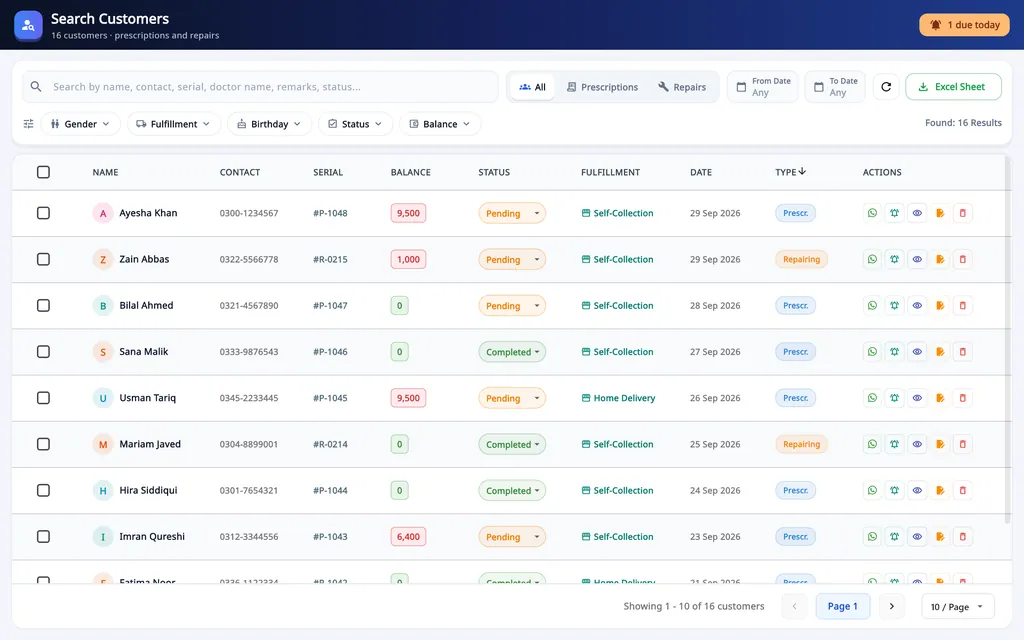
Seven habits that bring customers back
- 1
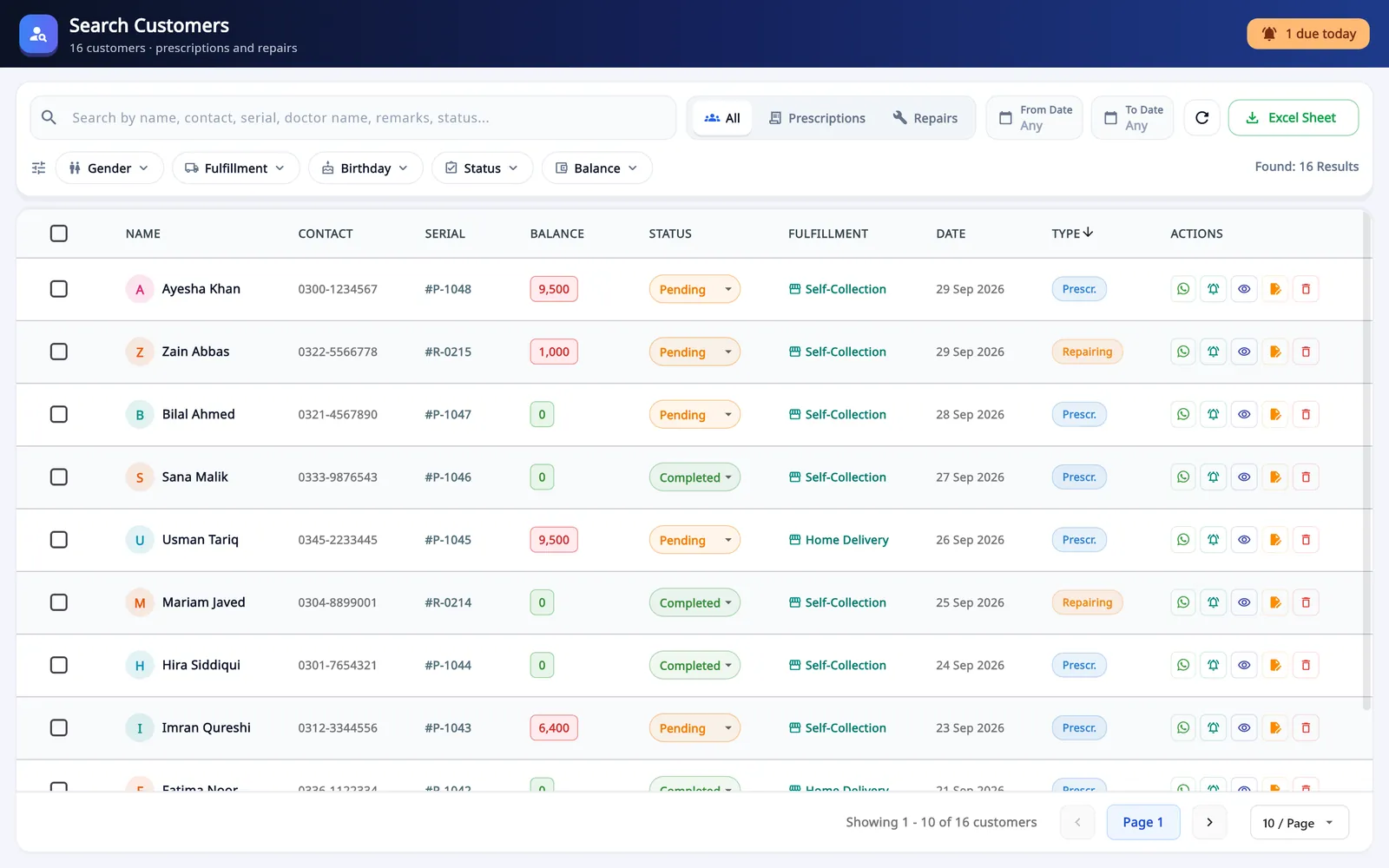
Record every customer
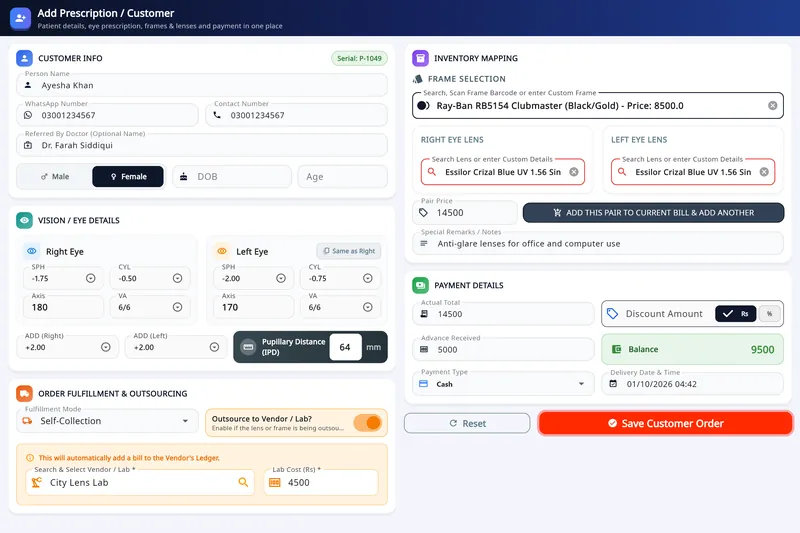
Name, phone number and prescription, even for a small sale. A customer you cannot find is a new customer every time.
- 2
Say when the glasses are ready
A message the moment the job is done saves the customer a wasted trip and saves you a shelf of uncollected orders.
- 3
Send the receipt to the phone
A receipt on WhatsApp is not lost, and it shows the balance still due.
- 4
Follow up balances politely
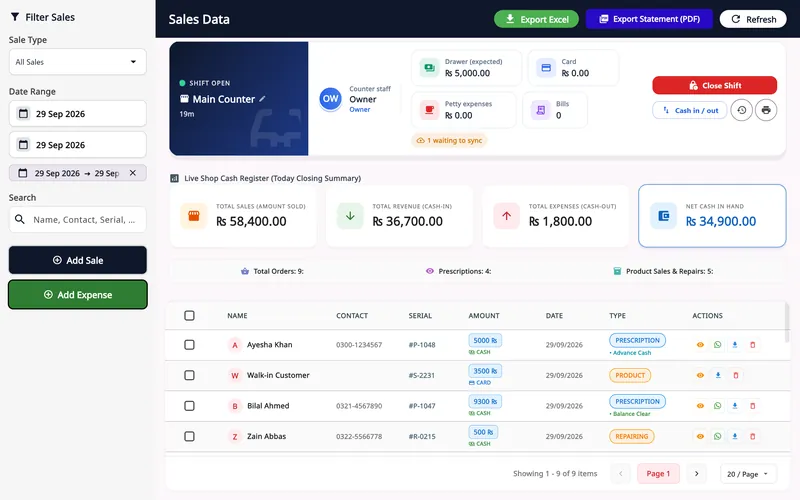
A list of orders with money outstanding, and one reminder each.
- 5
Remind them of a check
A short message when a check-up is due brings the customer back to you and not to the shop next door.
- 6
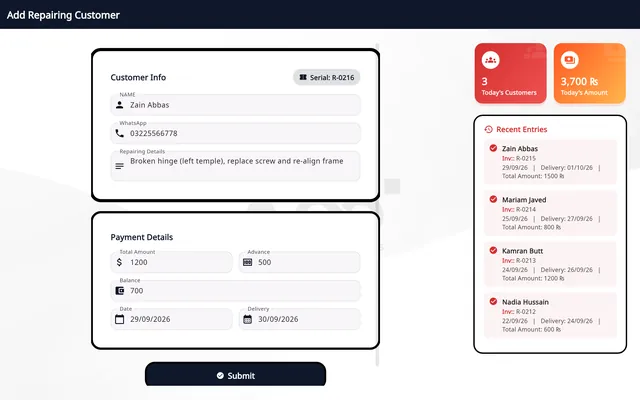
Treat repairs as orders
A ticket, a due date and a message when it is done. Small repairs are why people walk in.
- 7
Keep the old prescriptions
Next visit, you can see how the power has changed before the customer sits down.
Which message to send, and when
| Moment | Message | In Asaan Optics |
|---|---|---|
| The order is saved | Receipt, with the balance due. | One click on the order writes it; you press send. |
| The glasses are ready | Ready for pickup. | One click on the order or the customer's row. |
| The customer collects | Order completed, a thank-you. | One click on the completed order. |
| A repair is finished | Ready for pickup, with the repair details. | One click on the repair receipt. |
| Months later | Check-up invitation. | Write it yourself from the customer's record. |
The app opens the customer's chat in WhatsApp or WhatsApp Web with the message already written, and every message goes from the shop's own number. WhatsApp receipts
Setting the messages up on the phone
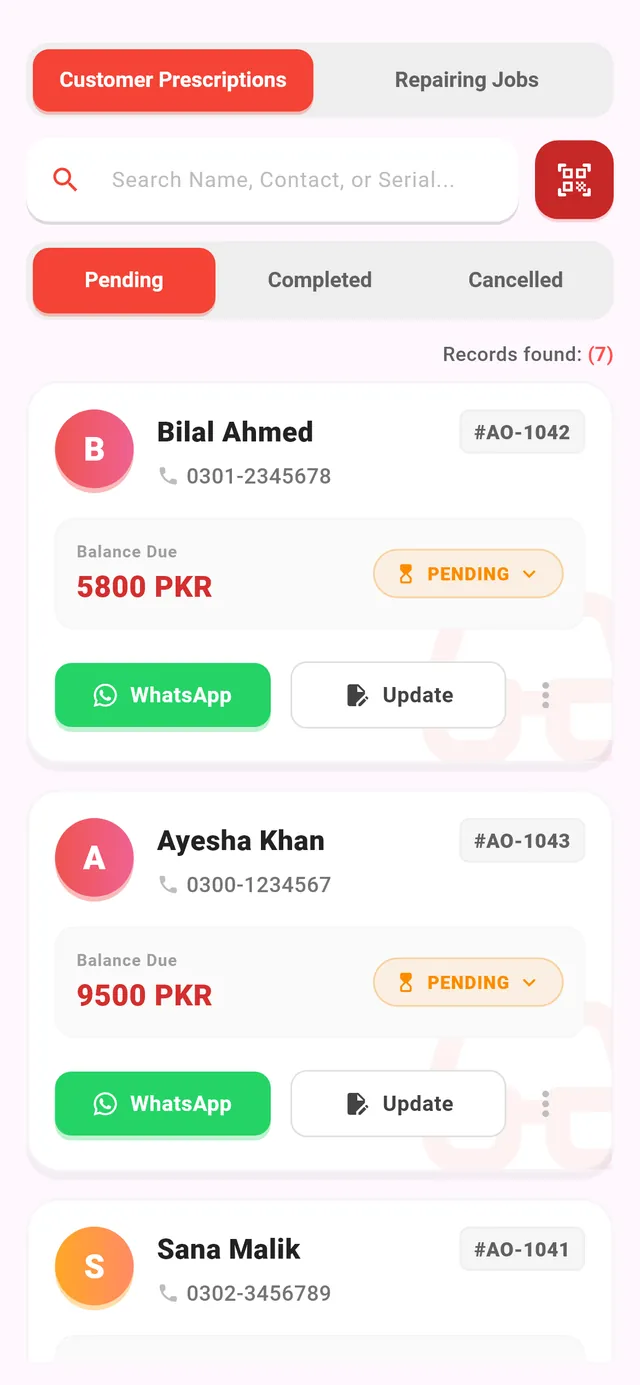
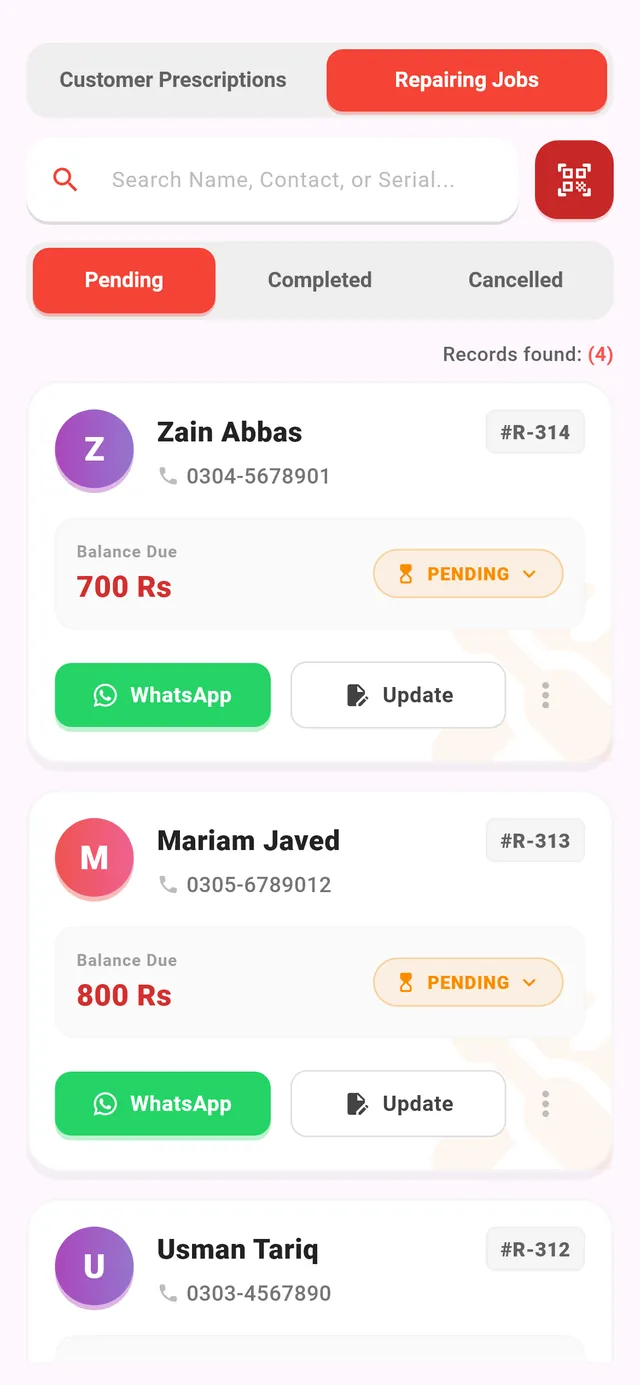
Demo data in all pictures.
What not to do
- Do not send bulk offers to your whole list. WhatsApp can ban a number for it.
- Use a dedicated business number, not a personal one.
- Ask at the counter whether the customer wants messages, and stop when they say stop. Privacy rules differ by country.
- Do not put clinical advice in a reminder. Invite the customer in; the examiner decides the rest.
Questions
How often should I remind customers about an eye check?
The interval is the examiner's decision, not the shop's or the software's. In Asaan Optics you send the reminder yourself from the customer's record, with the customer's number and history in front of you.
Can I send offers to all my customers on WhatsApp?
Asaan Optics is built for messages about a customer's own order, one customer at a time, not for bulk promotion. Bulk messages can get a number banned by WhatsApp.
Does Asaan Optics send WhatsApp messages by itself?
No. The WhatsApp button opens the customer's chat with the message already written, and you press send.
Do I need software to retain customers?
No. A register and a phone work in a small shop, as long as every customer is written down and someone checks the list every day. Software removes the daily checking: the record, the balance and the message are in one place.
 Repair jobs
 Optical shop software prices
 Entering a prescription