The order on the shelf
- 1
Separate by type
One block of drawers or trays for each lens type you stock: material, index and coating. Never mix two types in a tray.
- 2
Split plus and minus
Two runs inside each type, so a plus lens is never picked for a minus order.
- 3
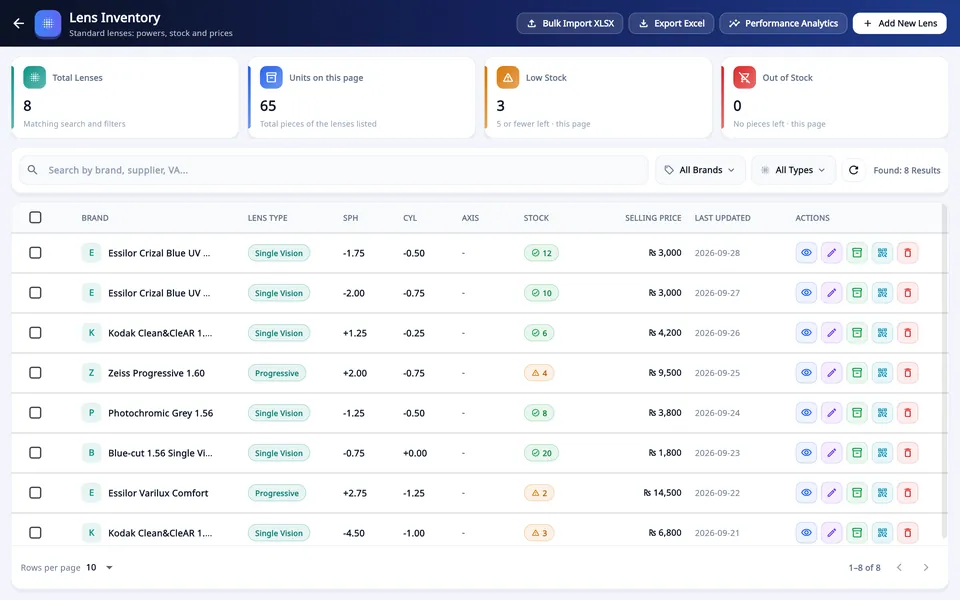
Run the sphere along the row
In steps of 0.25, from the lowest power outwards.
- 4
Use the cylinder as the second direction
Each sphere has its plano lens first, then the cylinders in steps of 0.25.
- 5
Label the slot and the envelope
The same words on both: type, sphere and cylinder. A lens out of its envelope is a lens you have to measure again.
Why axis is not a shelf
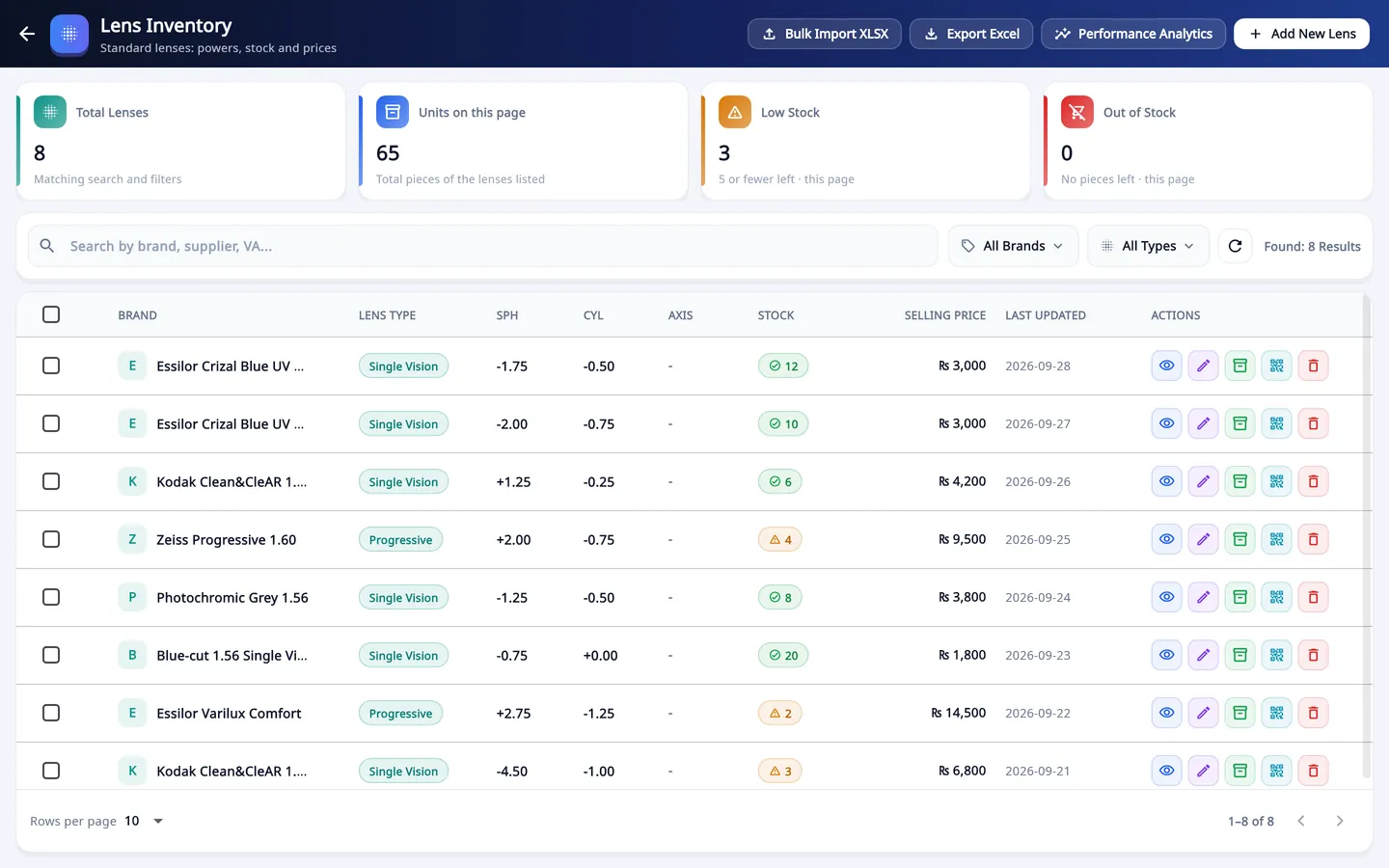
A finished single-vision lens with a cylinder can be turned to any axis before it is cut to the frame. One box of -2.00 / -1.00 serves every axis.
So a stock lens is stored by sphere and cylinder only. Sorting by axis would multiply the boxes by 180 for nothing.
Bifocal and progressive lenses cannot be turned freely, and they also depend on the ADD and on right or left eye. Most small shops order them for each job.
Lenses with prism, and powers outside the stock range, are made by the lab for the order.
What to keep, and what to order for the job
Keep what sells weekly
Take your last three months of orders and count each power. The powers that come up every week are your stock range.
Order the rest per job
High powers, high cylinders and special coatings tie up money on the shelf. Order them when a customer needs them.
Set a minimum for each item
When the count reaches the minimum, it goes on the next order to the supplier.
Contact lenses by expiry
Store them by brand, base curve, diameter and power, and sell the earliest expiry date first.
Count on a fixed day
Count one lens type each week instead of everything once a year. Small differences are easier to explain.
Look at what has not moved
Stock that has not sold in three months is money you cannot spend. Stop reordering it.
Keeping the count in software
Each lens is an item with its type and power; contact lenses also carry base curve, diameter and expiry date.
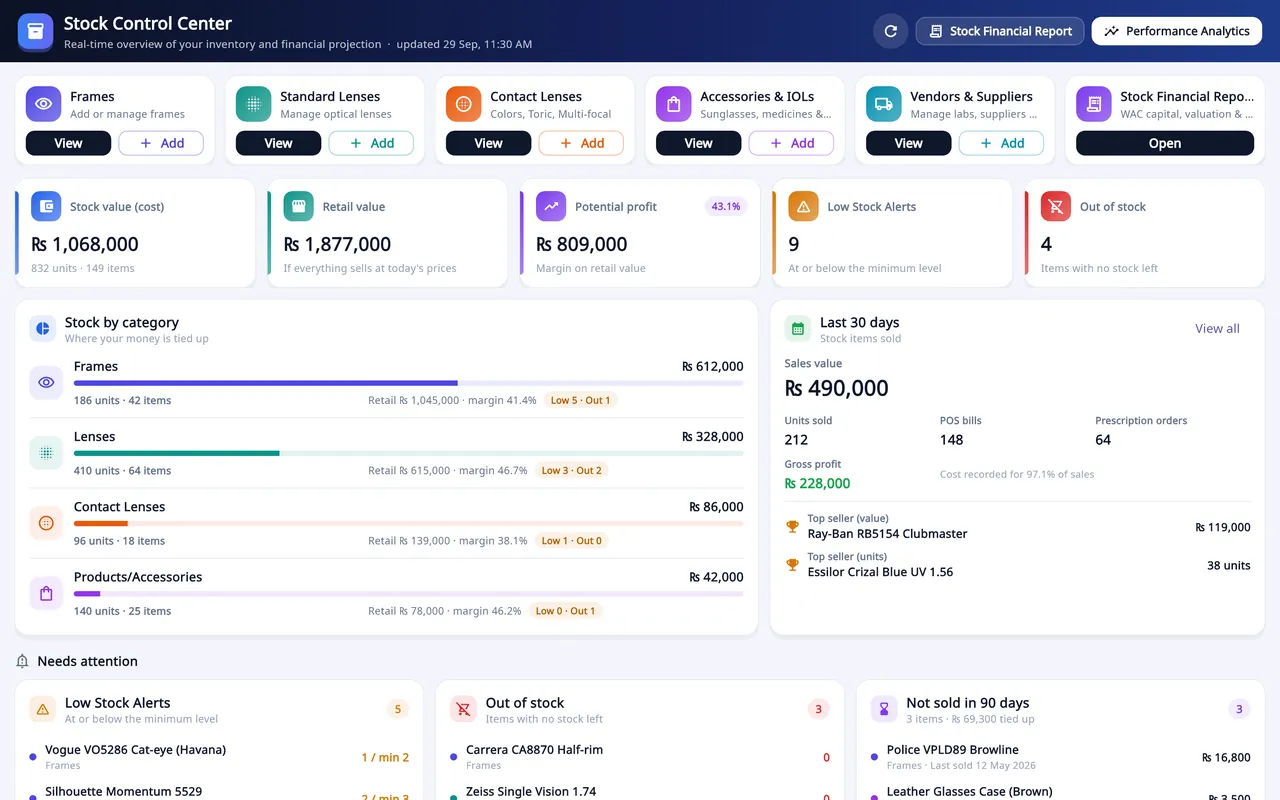
Give each item a minimum stock. At that level it shows under Low Stock Alerts.
The Stock Control Center lists low stock, out of stock, and items not sold in 90 days.
A lens picked on an order or a sale comes off the count when it is saved.
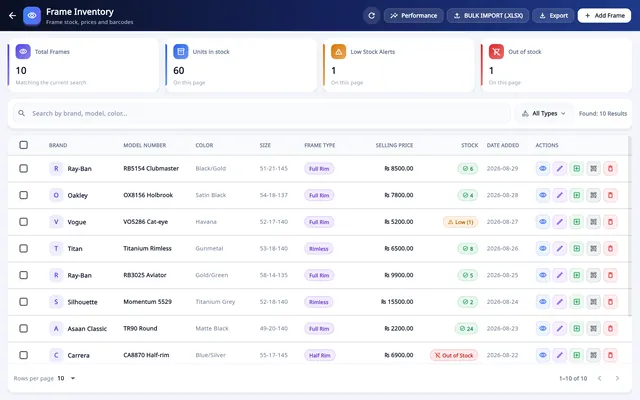
Barcode labels print for lenses and contact lenses as well as frames.
What Asaan Optics does not do here
- Stock is managed in the Windows program. The Android app sells from it but does not edit it.
- Stock is one list for the account: there is no separate stock for each branch.
Questions
Should lens stock be sorted by axis?
No. A finished single-vision lens is rotated to the prescribed axis when it is edged, so it is stored by sphere and cylinder. Lenses that cannot be rotated freely, such as bifocals and progressives, are usually ordered for the job.
How many stock lenses should a small optical shop keep?
There is no fixed number. Count the powers in your own orders for the last three months, stock the ones that repeat, and order the rest from the lab. Raise or lower each minimum after another three months.
How do I track contact lens expiry dates?
Record the expiry date with each batch and sell the earliest date first. In Asaan Optics a contact lens item carries its base curve, diameter and expiry date.
What is a minimum stock level?
It is the count at which you reorder an item. Set it from how fast the item sells and how long your supplier takes to deliver. In Asaan Optics an item at its minimum shows under Low Stock Alerts.
 Managing frame stock
 Optical shop software prices
 POS for an optical shop
 Entering a prescription